
ALNETS · Deployment guides
Deploying 24/7 Enterprise AI Agents: Dedicated Hardware Sizing and Security Isolation
An engineering guide to migrating AI Agents from personal PCs to dedicated 24/7 hardware, covering physical/VLAN network isolation, centralized API gateway routing, and sandbox hardware sizing.
Quick Takeaways (TL;DR)
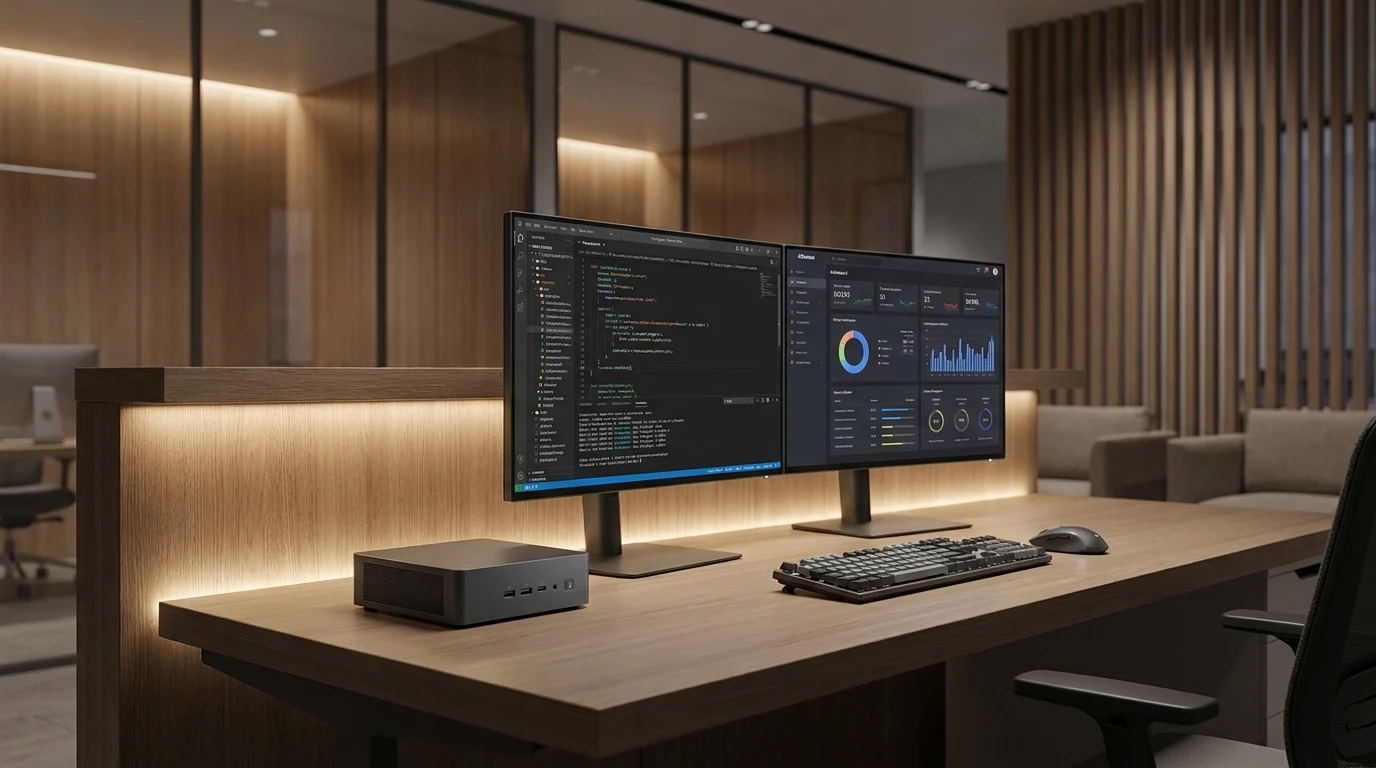
The core operational challenge of 24/7 enterprise AI Agents (such as automated PR reviews, omni-channel customer service, and continuous data pipelines) lies in the fragility of personal PCs and file system security risks. The proven architecture decouples the agent runtime from model inference: deploy ultra-low-power dedicated mini hosts (such as AiA) as isolated sandboxes for each operator, governed by dedicated gateway routers (AiR) and enterprise API gateways for centralized token metering and credential isolation.
Why Personal PCs Fail for 24/7 Autonomous Agents
Many teams begin by running Agent scripts directly on developer or operator laptops. However, scaling to continuous daily operations exposes three critical roadblocks:
- Interruption on Sleep & Resource Contention: When laptops sleep, lock, or run compilation/rendering tasks, background Agent threads suspend or degrade, breaking 24/7 SLA.
- Lack of Sandbox & Accidental Blast Radius: Autonomous agents with Shell and browser automation rights running in the host user directory risk mutating personal files, overwriting code branches, or touching sensitive local files.
- Decentralized API Keys & Zero Auditability: Hardcoding keys across individual developer laptops leaves IT blind to token usage anomalies, multi-tenant billing, and exposed credentials.
Deployment Mode Comparison
| Evaluation Dimension | Running on Personal PC | Public Cloud VM / ECS | Dedicated Host Sandbox (AiA) |
|---|---|---|---|
| 24/7 Run Reliability | Poor: Halts on laptop sleep or Wi-Fi switch | Good: Stable, but requires secure VPN tunnel | Good: 24/7 persistent, zero host contention |
| Workspace Isolation | High Risk: Shares filesystem with host OS | Secure: Virtualized, but lacks physical device access | Secure: Physical sandbox per seat, host fully protected |
| Hardware Cost & Power | Zero upfront, but degrades laptop life and speed | Continuous recurring OPEX ($30-$120+/mo per seat) | One-time CAPEX, ~10W ultra-low idle power |
| Intranet & Peripheral Access | Tied to individual laptop networking | Difficult: Complex NAT traversal / SD-WAN required | Seamless: Native LAN connectivity for local tools and assets |
Enterprise Network Isolation and API Governance
Industrializing enterprise agents requires strict network perimeter isolation paired with centralized outbound model routing. The proven topology establishes two distinct control planes:
- Network Plane (VLAN / AiR): Group agent appliances into an isolated VLAN or route them through an AiR cloud gateway. Agents are restricted to necessary business databases and the local API gateway, blocked from touching core production subnets.
- Application Governance (Enterprise API Gateway): Agent hosts never store public model keys. Requests route through the local enterprise API gateway, which handles multi-model failover, token budgeting per seat, and audit logging.
Hardware Sizing and Key Specifications
| Hardware Spec | Recommended Target | AiA Dedicated Host Specs |
|---|---|---|
| Power & Thermals | Idle ≤ 15W, Peak ≤ 35W, quiet acoustic profile | Typical ~10W idle, whisper-quiet thermal design for office desks |
| System Memory | ≥ 16GB / Recommended 32GB dual-channel | High-capacity dual-channel RAM for parallel agents and caching |
| Networking & I/O | Gigabit RJ45 + Wi-Fi 6 + Dual 4K video outputs | Gigabit Ethernet, Wi-Fi 6, multi-monitor outputs for live telemetry |
Frequently Asked Questions (FAQ)
Common engineering and procurement questions regarding enterprise agent rollouts:
- Q: Does an Agent host need an expensive dedicated GPU? A: No. The agent host runs the reasoning client, workflow scripts, and external tools. Heavy inference is offloaded to on-prem edge compute (such as AE-2000) or authorized cloud LLMs. Compact low-power hardware (AiA) keeps thermal output, noise, and electricity footprint minimal.
- Q: Should teams deploy "one host per seat" or "one shared multi-user server"? A: Dedicated one-host-per-seat (AiA) is heavily recommended. Shared servers constantly suffer from dependency conflicts, browser profile collisions, and security boundary leaks. A dedicated physical mini-host gives each operator an isolated sandbox with zero cross-contamination.
ARCHITECTURE & HARDWARE SYNERGY
Recommended Products & Bundles
Hardware appliances, gateways, and collaborative suites referenced in this guide:
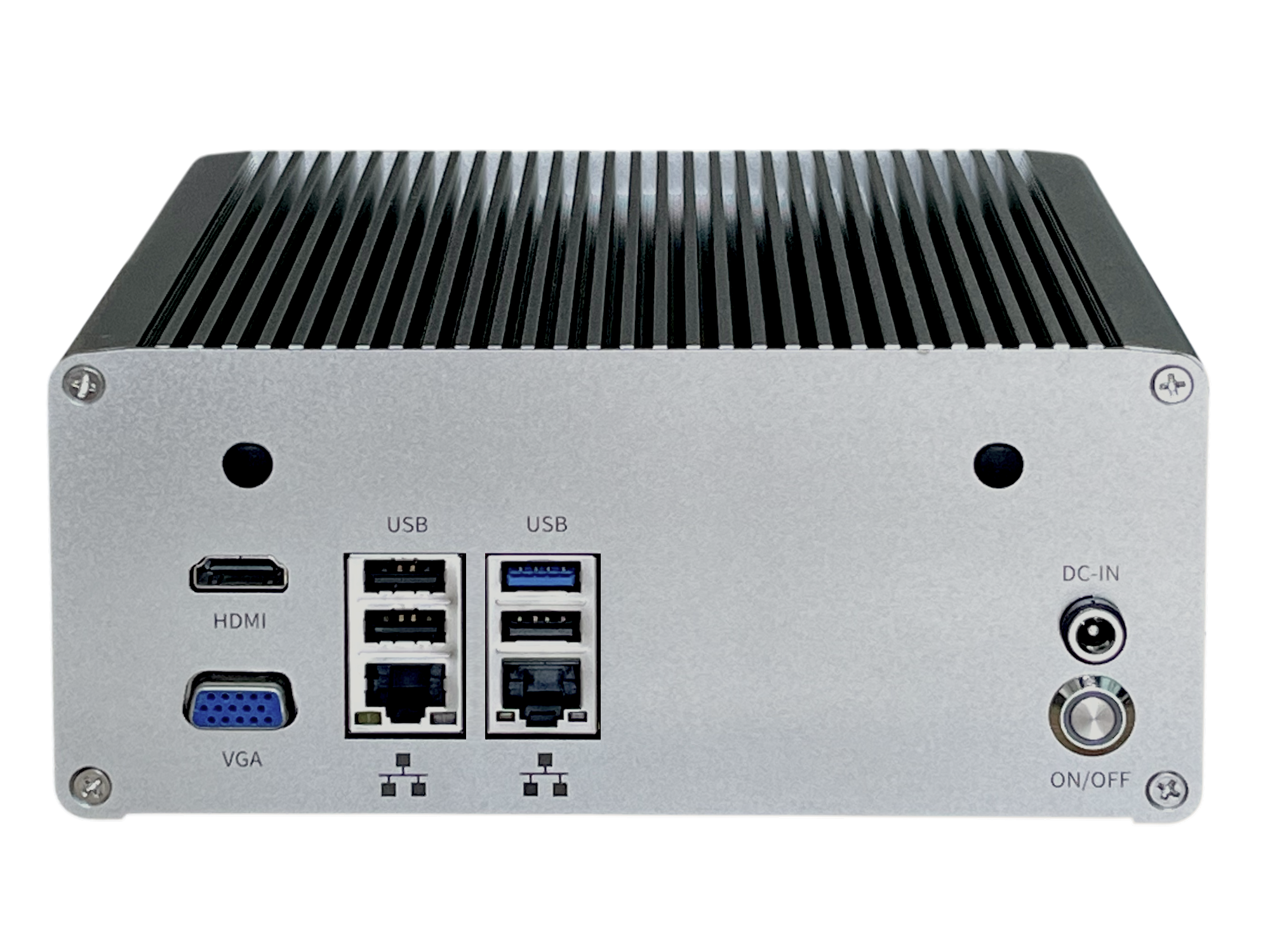
AiA AI Agent Host
Whisper-quiet edge host designed for 24/7 autonomous AI Agent execution with ultra-low 10W power.
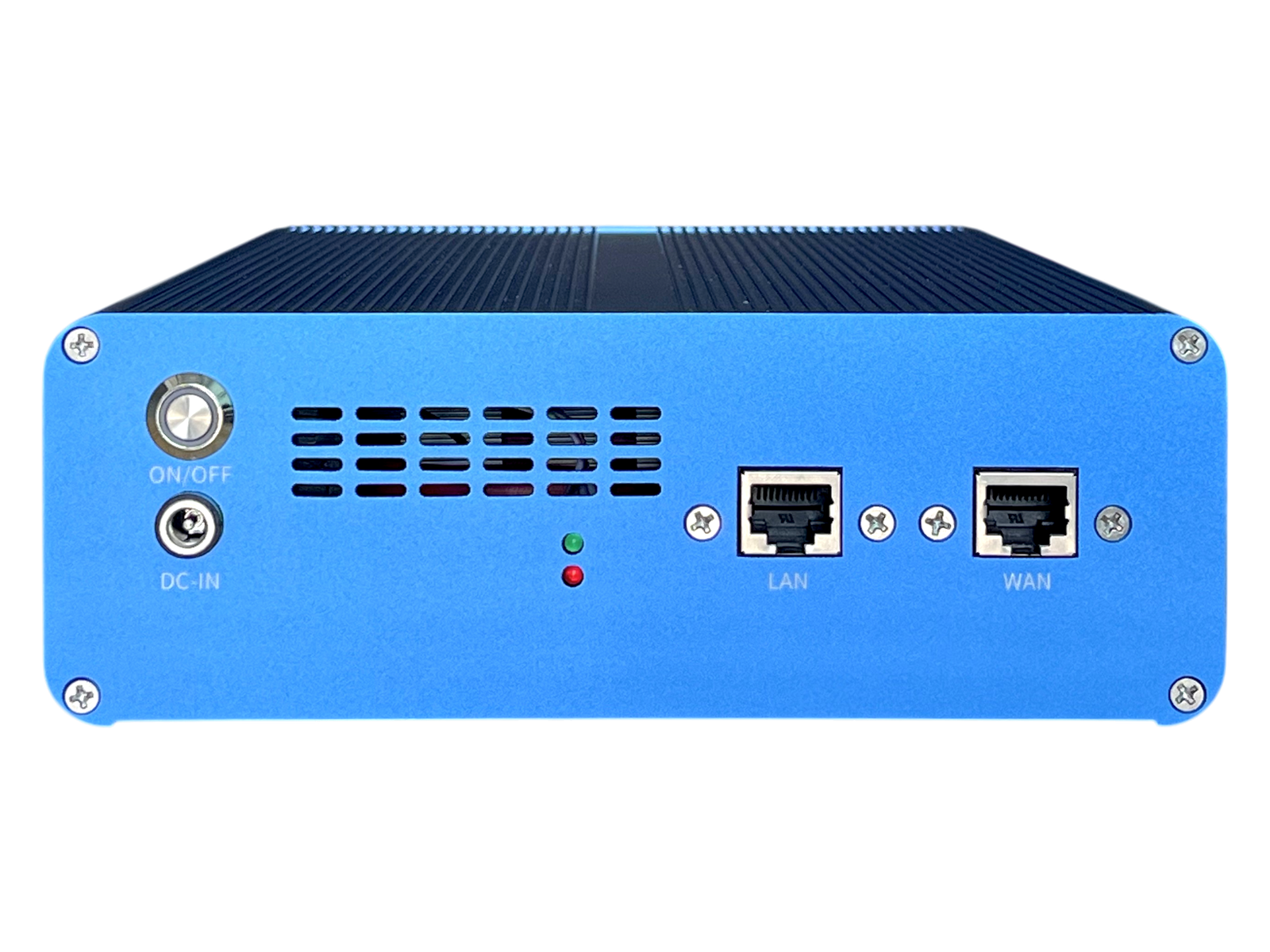
AiR AI Cloud Gateway Router
Secure encrypted tunneling, multi-wan routing and remote access gateway for on-site AI deployments.
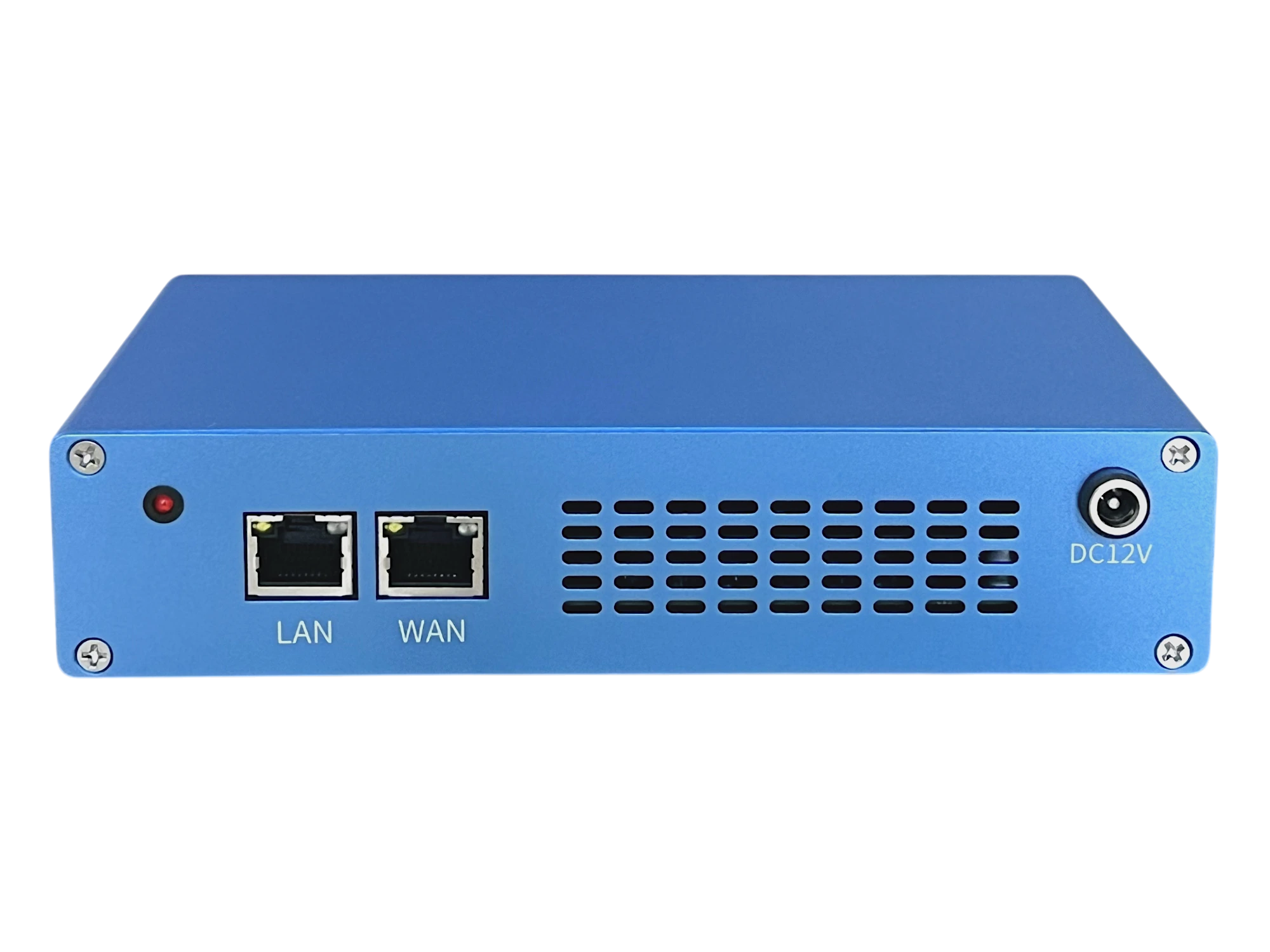
Enterprise AI API Gateway
Centralized multi-model routing, token quota metering, concurrency throttling, and private auth. In planning · Coming soon.
Agent Workspace Bundle
Integrated hardware topology, security boundary, and turnkey suite
7×24 Dedicated Autonomous Agent Workspace
Deploy dedicated AiA agent hosts, AiR secure network egress, API Gateway per-employee model governance, and AE-2000 private knowledge retrieval—organizing role-specific models, docs, and continuous workspaces with full bespoke customization support.